Managed Microsoft 365 for remote-first Australian startups: secure, scalable onboarding
Introduction
Remote-first startups move fast but must not sacrifice security or governance. Managed Microsoft 365 brings predictable operations, rapid onboarding and built-in security controls that scale as a team grows. This guide explains the business value, essential configuration and practical onboarding steps for Australian startups deciding to use a managed service.
Why managed Microsoft 365 matters
Managed Microsoft 365 shifts operational overhead from founders and small IT teams to a specialist provider so the business can focus on product and customers. For remote-first startups that hire quickly, a managed service reduces time-to-productivity by automating user provisioning, device enrolment and licence management. It also centralises security controls—multi-factor authentication, conditional access and device compliance—so policies are applied consistently across laptops and phones.
A managed partner also provides ongoing monitoring and incident response. Continuous patching, alerting and backups mean fewer surprises and a predictable monthly cost rather than ad-hoc break-fix bills. For Australian organisations, choosing a local provider improves support hours and makes it simpler to meet data residency expectations.
Core configuration components
- Entra ID for identity and access management, single sign-on and conditional access policies.
- Intune for device enrolment, encryption, compliance and remote wipe.
- Microsoft Teams governance: templates, policies and secure external access.
- SharePoint and OneDrive design for secure file sharing and collaboration.
- Microsoft Defender and Sentinel for threat detection and response.
- Immutable backups and tested restore processes for Microsoft 365 and Azure workloads.
- Licensing optimisation to match growth, control spend and avoid under- or over-licencing.
Secure onboarding checklist
- Assess the environment and priorities. Run an inventory of users, devices and data locations and identify regulatory or sector requirements affecting the startup.
- Centralise identity in Entra ID. Configure single sign-on, enforce multi-factor authentication and create conditional access rules that reflect risk and location.
- Enrol endpoints in Intune. Apply encryption, configuration profiles and automated patching so new starters have secure devices from first boot.
- Provision Teams and collaboration spaces. Use governance templates, external access rules and retention policies to control sprawl.
- Design SharePoint and OneDrive architecture. Implement sensible permissions and sharing defaults to reduce accidental data exposure.
- Deploy backups and continuity. Enable immutable backups and verify restores as part of go-live for critical mailboxes and document libraries.
- Enable monitoring, reporting and incident runbooks. Define alert thresholds, escalation paths and regular security posture reporting.
Practical policies and controls to prioritise
- Multi-factor authentication (MFA) enforced for all accounts, with phish-resistant methods where possible.
- Conditional access based on device compliance, risk and geolocation to reduce lateral movement.
- Least-privilege administrative roles and role-based access control across Entra ID and Azure.
- Full disk encryption and secure boot for laptops and phones enrolled into Intune.
- Regular patching schedules and automated update enforcement.
- Data loss prevention (DLP) policies and retention rules for sensitive documents and communications.
- Backups verified with documented restore procedures and periodic recovery tests.
Scaling for growth and compliance
Startups scale not just headcount but complexity—external contractors, integrations and regulated data. Managed Microsoft 365 supports growth by automating identity lifecycle management (joiner, mover, leaver) and licence changes as people start and finish. Cost controls and monthly reporting keep cloud spend visible, while Essential Eight alignment and Australian region hosting help meet local compliance and data residency obligations. A managed partner can also advise on right-sizing Azure workloads and converting project work into repeatable operational processes.
Measurable benefits for startups
- Faster onboarding: new starters provisioned and ready in minutes rather than days.
- Predictable costs: per-user managed plans remove surprise call-out fees and make budgeting simpler.
- Stronger security posture: continuous monitoring, Defender protections and alignment with best-practice frameworks.
- Reduced operational risk: immutable backups and tested restore plans minimise business interruption.
- Local support: Australian-based engineers familiar with regional compliance and time zones.
Steps to faster starter provisioning
- Standardise a starter profile with licence, Teams templates and device policy assigned automatically.
- Automate account creation via Entra ID group rules or provisioning workflows linked to HR or a single intake form.
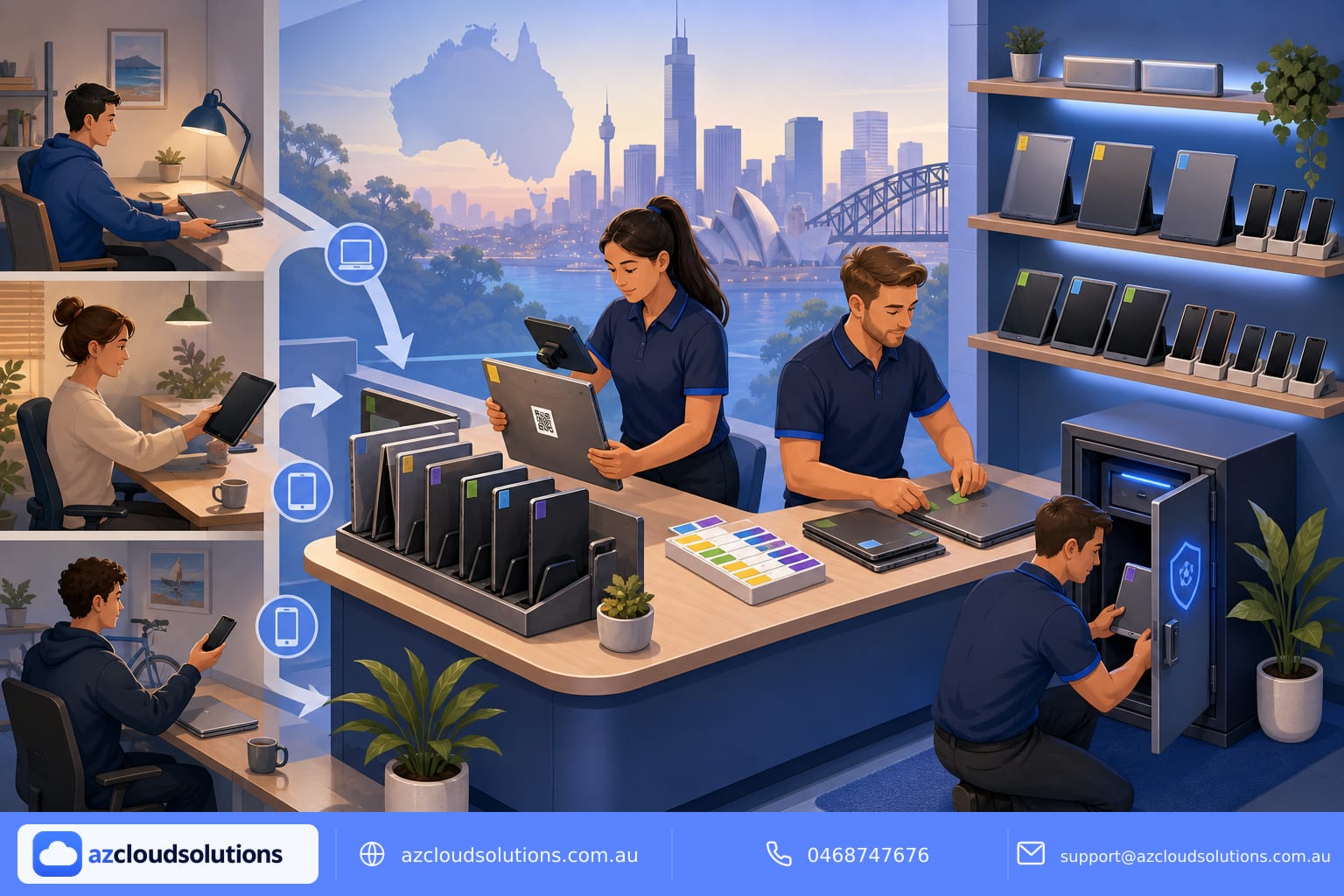
- Ship pre-configured devices with Autopilot and Intune so users are productive on first logon.
- Apply onboarding training and a short security checklist to make MFA, passwordless and safe sharing standard practice.
- Review the starter flow quarterly to incorporate new integrations or security improvements.
How AZ Cloud Solutions can help
AZ Cloud Solutions manages Microsoft 365, Azure and cybersecurity for Australian organisations with local support, Essential Eight alignment and fixed monthly pricing. The team handles mailboxes, Teams, SharePoint, device management and backups so startups get secure, repeatable onboarding and ongoing monitoring. If you want specialist support for migrations or want to see how your environment can be optimised, explore our services and migration capabilities at https://azcloudsolutions.com.au/services and https://azcloudsolutions.com.au/migrations. You can also book a free IT assessment to understand immediate risks and recommended next steps.
Get in touch
Contact AZ Cloud Solutions to discuss your Microsoft 365 needs, onboarding priorities or to book an assessment. Visit https://azcloudsolutions.com.au
Call 0468747676
Email support@azcloudsolutions.com.au
#AZCloudSolutions #Microsoft365 #RemoteWork #Startups #ManagedIT #Cybersecurity #Australia #ManagedMicrosoft