Microsoft 365 licence optimisation checklist for Australian SMEs
A stepwise checklist to audit licence usage, eliminate waste, match people to the right Microsoft 365 plans and introduce governance so licence costs stay under control. This guide walks you through a practical audit, decisions to reduce spend and the controls to keep licences optimised long term.
Start with a licence inventory
Begin by compiling a single source of truth for all Microsoft 365 licences and subscriptions. Gather billing invoices, the Microsoft 365 admin centre report, Entra ID sign-in logs, Intune device lists and any reseller records. A clear inventory shows who has which licence, start and end dates, and overlapping add-ons.
Stepwise licence audit checklist
- Export user licence assignments from the Microsoft 365 admin centre.
- Cross-check licences against payroll and HR records to confirm active staff.
- Review sign-in activity in Entra ID for 90-day usage patterns.
- Check mailbox and OneDrive storage to identify dormant or oversized accounts.
- Audit Teams, SharePoint and application usage to detect redundant services.
- List third-party add-ons and their value relative to native features.
- Identify contractors, shared users and kiosk accounts that need cheaper licences.
- Group similar roles to map standard licence profiles.
- Estimate immediate savings from reassignment or downgrade opportunities.
- Plan staged licence changes outside payroll and peak business periods.
- Update procurement and renewal dates to avoid surprise renewals.
- Schedule ongoing monthly checks and automated alerts.
Identify unused and underused licences
Unused licences are an easy win for cost reduction. Look for accounts with no sign-ins in the past three months, mailboxes under 1GB and OneDrive folders untouched for long periods. Underused licences often appear where advanced add-ons are assigned by habit rather than need.
- Flag accounts with zero sign-ins in 90 days.
- Note mailboxes and drives with negligible activity.
- Track licences with expensive add-ons but low feature use.
- Prioritise reclaiming licences before cancelling to avoid disruption.
Match people to the right plans
Not every user needs the highest-tier licence. Create role-based licence profiles that reflect job function rather than defaulting to premium plans. Sales reps, customer-service roles and contractors often require basic mail, Teams and OneDrive access, while knowledge workers may need advanced compliance and security features.
- Define 3–5 standard licence profiles for your business.
- Map each employee to a profile and note exceptions.
- Use shared or resource accounts for kiosks and non-personal mailboxes.
- Consider Microsoft 365 Business Standard for most office users.
Rationalise apps and add-ons
Many organisations pay for overlapping tools and third-party apps that Microsoft 365 already provides. Rationalising reduces licence bloat and simplifies support.
- List every add-on and its monthly cost.
- Compare features with native Microsoft 365 alternatives.
- Retire duplicate apps and migrate data where sensible.
- Negotiate to remove or downgrade seldom-used add-ons at renewal.
Automate lifecycle and provisioning
Automation prevents licence creep when people join, move teams or leave. Group-based licence assignment, Intune enrolment and automated offboarding scripts reduce manual errors and wasted licences.
- Use Azure AD dynamic groups for role-based licence assignment.
- Automate onboarding to assign the correct default profile.
- Automate offboarding to suspend accounts and reclaim licences immediately.
- Record automated workflows in a runbook for audit purposes.
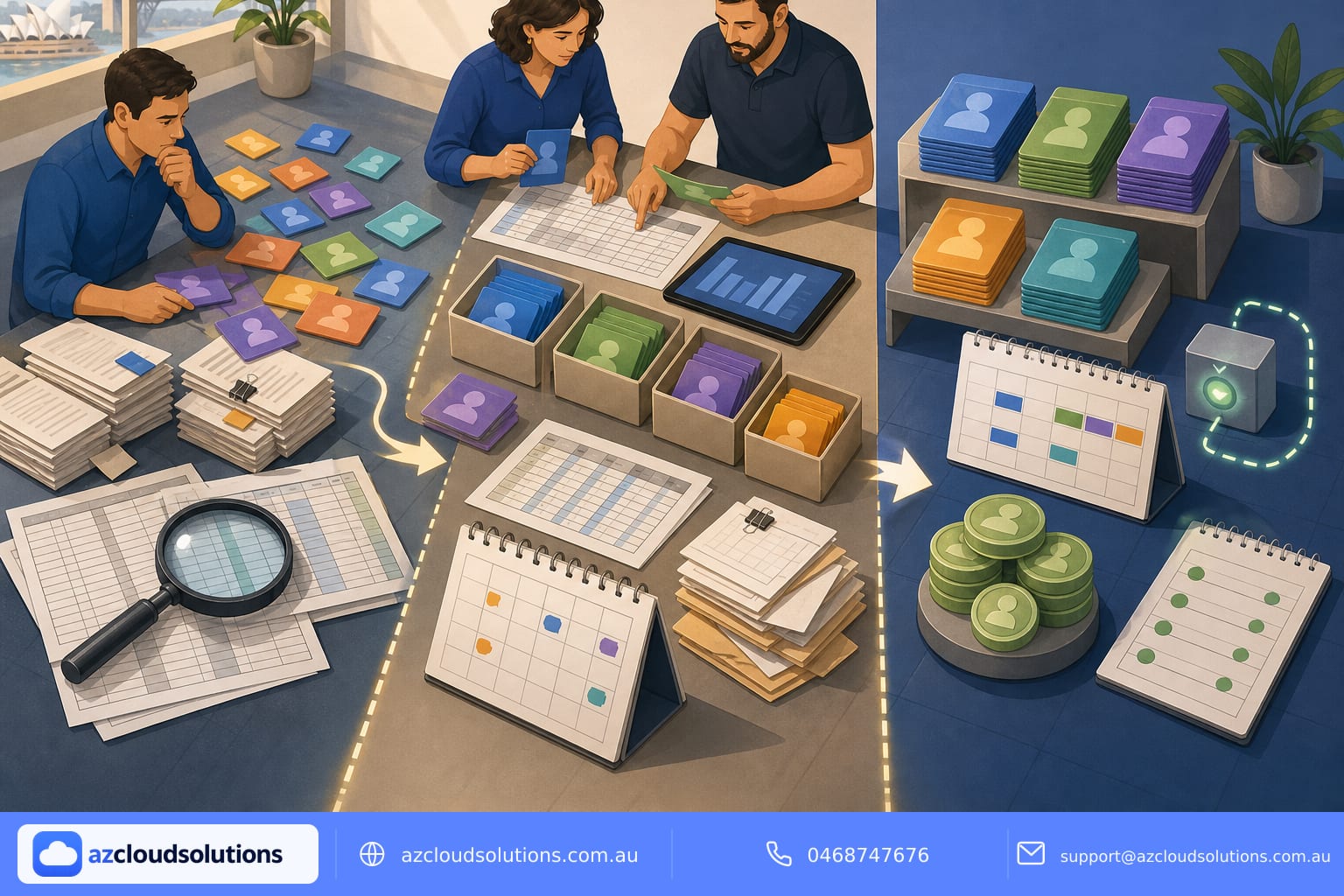
Governance and reporting to prevent drift
Policies and regular reporting turn a one-off tidy-up into permanent optimisation. Governance covers who approves licences, how exceptions are handled and how often audits occur.
- Establish a licence approval process for managers and IT.
- Run monthly reports on active licences, usage and costs.
- Set alerts for unusual licence spending or sudden increases.
- Include licence status in your monthly IT report to leadership.
Track savings and reinvest
Quantify the impact of optimisation so you can justify continued effort and reinvest savings where they matter. Savings can fund security add-ons, backups or device management without increasing overall spend.
- Calculate monthly and annual licence savings after changes.
- Convert savings into a reinvestment plan for security or training.
- Report outcomes to stakeholders with before-and-after metrics.
- Revisit savings assumptions at every renewal cycle.
Practical tips for a smooth transition
Small changes can avoid user disruption while delivering savings. Communicate early, test licence swaps with pilot users and schedule changes outside critical periods.
- Pilot licence downgrades with a small user group.
- Communicate changes and provide quick help resources.
- Stagger licence adjustments to reduce support spikes.
- Keep a rollback plan for any unexpected business impact.
Conclusion
Licence optimisation is not a one-time project but an ongoing discipline of inventory, role alignment, automation and governance. For Australian SMEs this effort reduces predictable monthly costs, improves security posture and simplifies IT management. With the right processes and reporting you keep licence spend aligned to actual business need.
How AZ Cloud Solutions can help
AZ Cloud Solutions manages Microsoft 365, Azure and cybersecurity for Australian organisations with proactive monitoring and fixed monthly pricing. We help run licence inventories, implement group-based provisioning, automate offboarding and produce plain-English monthly reports so licence costs stay under control. Learn more about our managed Microsoft 365 and services at https://azcloudsolutions.com.au/services or read practical guidance in our blog at https://azcloudsolutions.com.au/blog. If you prefer, start at our homepage: https://azcloudsolutions.com.au.
Get in touch
Contact AZ Cloud Solutions to discuss your Microsoft 365 licence optimisation needs. Visit: https://azcloudsolutions.com.au
Call: 0468747676
Email: support@azcloudsolutions.com.au
#AZCloudSolutions #LicenceOptimisation #Microsoft365 #SMEBudgeting #CostOptimisation #AustralianSMEs