Intune BYOD management for Australian trades teams
Practical guide to enrolling, securing and supporting BYOD devices for mobile tradespeople using Intune — covering app protection, conditional access, minimal user friction and offline access for site work. This article helps small Australian companies design a BYOD approach that keeps customer data safe, lets trades staff work offline on site and minimises day-to-day friction.
Why BYOD matters for trades
Trades teams work across sites, often away from a central office and on unreliable mobile networks. Allowing BYOD can reduce hardware costs and speed adoption, but it must be balanced against data risk and support overhead. A clear BYOD strategy protects business data, reduces shadow IT and keeps staff productive whether they’re on a construction site or in a customer’s workshop.
Core Intune controls to use
- App protection policies (MAM) to protect corporate data inside apps without enrolling the whole device.
- Conditional Access to require compliant devices, modern authentication and multi-factor methods before access is allowed.
- Device compliance policies for minimum OS, encryption, passcode and jailbroken/root checks.
- Managed app deployments (Outlook, OneDrive, Teams, Eyes on SharePoint) for consistent capability and offline sync.
- Endpoint detection via Defender for Endpoint integration for threat reporting and automated response.
- Windows and mobile configuration profiles to enforce encryption, screen lock and update behaviour.
For details on endpoint management and managed devices see AZ Cloud Solutions’ endpoint management service and our services overview.
App protection explained
App protection policies separate corporate data from personal data on the same device. They allow copy/paste restrictions, require PIN when opening apps, and remotely wipe corporate data without touching personal files — ideal for tradespeople using their own phones.
Conditional Access explained
Conditional Access lets you define who can access what, when and from which device state. Typical rules for trades teams will permit access only to apps that support app protection, require device compliance or a trusted network and block legacy authentication.
Enrolling BYOD with minimal friction
- Choose an enrolment model and communicate it clearly.
- Publish a short onboarding guide and run quick demos.
- Use app protection policies for phones where possible.
- Offer staged enrolment for early adopters.
- Monitor adoption and support issues for the first 30 days.
- Iterate policies to reduce false positives and friction.
1. Choose an enrolment model and communicate it clearly.
Decide between MAM-only (app protection) and full MDM (device management). MAM-only suits staff unwilling to allow full device control, while MDM gives stronger controls for company-owned or high-risk roles.
1. Publish a short onboarding guide and run quick demos.
Provide step-by-step screens and short videos that show how to install corporate apps, sign in and enable offline files. Keep the process under 10 minutes where possible.
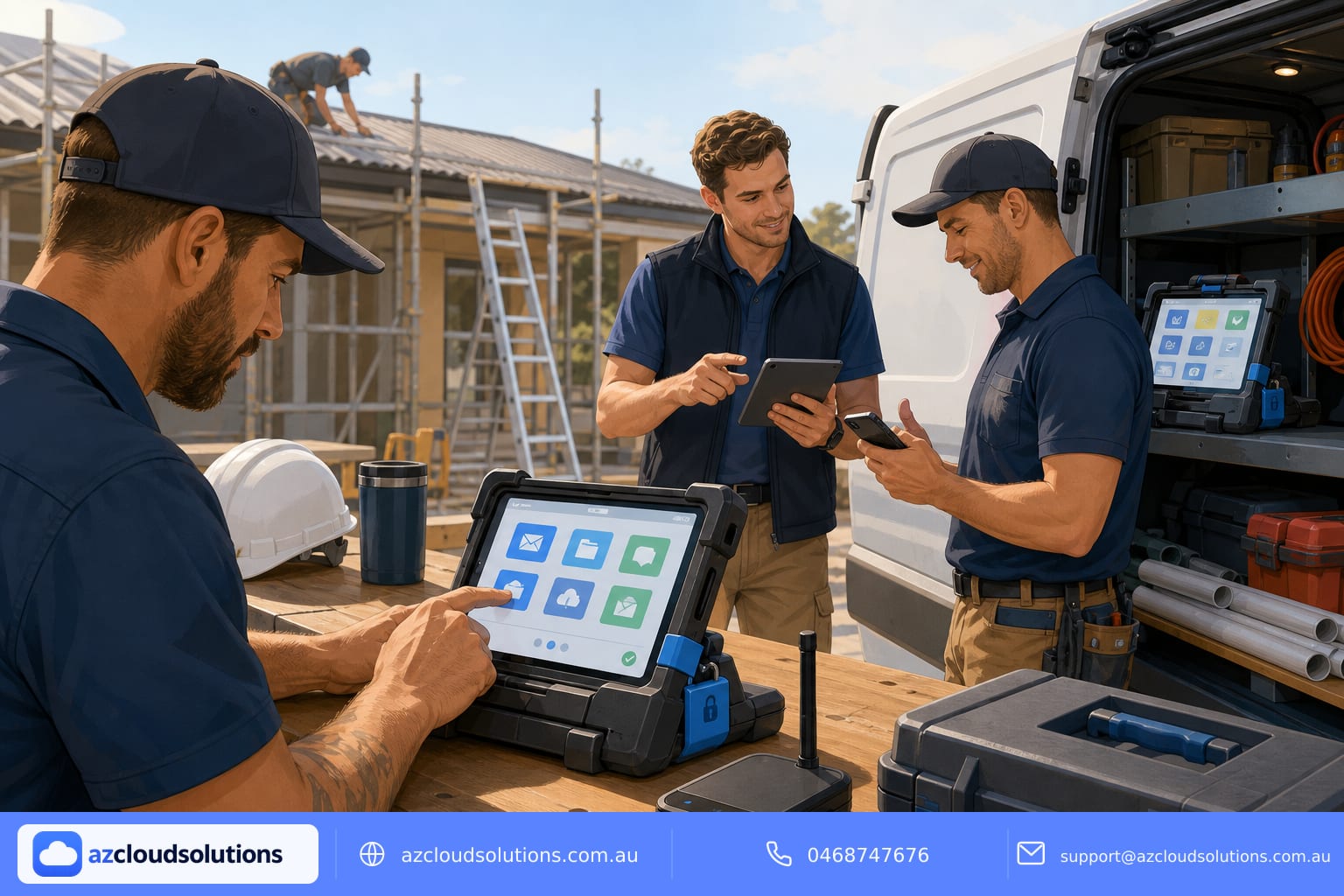
1. Use app protection policies for phones where possible.
This reduces resistance from staff who don’t want a corporate profile on their personal phone while still protecting email and documents.
1. Offer staged enrolment for early adopters.
Start with a small pilot group, fix issues, then roll out to the wider team. Early wins create momentum and reduce overall support calls.
1. Monitor adoption and support issues for the first 30 days.
Track conditional access failures, app crashes and helpdesk tickets. Use these signals to tweak policies and update user guides.
1. Iterate policies to reduce false positives and friction.
Balance security and usability. For example, relax conditional access for short offline periods if staff regularly work in dead spots.
Offline and site-ready access
Tradespeople need reliable offline access for drawings, checklists and forms. Design your Intune strategy with offline in mind.
- Use OneDrive and SharePoint sync for files needed on site and enable Files On-Demand where helpful.
- Configure Teams and Outlook for offline cache so messages and attachments are available without connectivity.
- Pre-stage common documents and folders to devices before site days to avoid delays.
- Ensure mobile apps are permitted to store cached files under app protection policies and that caches are encrypted by device encryption or app PIN.
- Plan a conditional access offline grace period for known low-coverage areas so staff can continue to work while still protecting data.
Support, compliance and user training
- Provide a single support path and clear SLA so tradespeople know who to call when something goes wrong.
- Run short toolbox-style training sessions that focus on common tasks: saving files offline, reopening cached forms, and what to do if a device is lost.
- Keep compliance simple: logins with Entra ID, MFA for sensitive actions and automated compliance checks reduce manual overhead.
- Maintain simple written BYOD policies that explain privacy — what you can and cannot manage on personal devices.
Practical checklist for trades managers
- Define acceptable device types and OS minimums.
- Decide MAM-only or full MDM per role.
- Require Entra ID and MFA for access to corporate resources.
- Preload essential apps and offline files for common tasks.
- Schedule pilot, rollout and post-rollout review windows.
- Train a small group of local site champions to help colleagues.
How AZ Cloud Solutions can help
AZ Cloud Solutions specialises in managed Microsoft 365, Azure and cybersecurity for Australian organisations. We design and run Intune-based endpoint management that balances security with the realities of trades work. Our services include policy design, device enrolment, app protection configuration and 24/7 monitoring so you don’t have surprise call-out fees. Learn more about our endpoint management and managed services on our website: https://azcloudsolutions.com.au/services and https://azcloudsolutions.com.au/endpoint-management.
Get in touch
If you want help building a BYOD programme that keeps your people productive on site and your data secure, contact AZ Cloud Solutions to discuss your needs. Visit: https://azcloudsolutions.com.au
Call: 0468747676
Email: support@azcloudsolutions.com.au
#AZCloudSolutions #Intune #BYOD #EndpointManagement #Trades #AustralianSMEs