When a single server reboot can ruin a workday, the problem is no longer just IT. It is a fundamental constraint on your overall IT infrastructure and business productivity.
Many companies keep an on-prem server long after it stops earning its keep. That is normal. As CIO Dive reported, on-premise infrastructure still remains common in the vast majority of businesses, often persisting until hardware failure or reliability worries force a change.
The hard part is spotting the drag before it turns into downtime, rushed spending, or a security issue.
Key Takeaways
- If maintenance windows, patching, and small failures consume excessive staff time, the total maintenance costs mean the server is already more expensive than its initial purchase price suggests.
- A local server becomes a blocker when security updates, backups, and recovery tests are difficult to complete with confidence.
- If your team already uses Microsoft 365, Office365 apps, Intune, Azure, or Exchange Online, old server dependencies can create double handling.
- Staying on-prem can still make sense for some workloads, but many businesses achieve better results by adopting a hybrid solution rather than an all-or-nothing move.
- A simple red, amber, green review can show whether the reliability of your current setup still fits the needs of the business.
When maintenance starts running the business
A healthy server should sit in the background. It shouldn’t dominate your weekends, your budget meetings, or your support queue.
If your IT team spends too much time on patching, failed backups, storage alerts, or chasing intermittent slowness, the platform is asking for too much care. That time has a cost, even if it never appears as a neat line item. You pay for it in overtime, delayed projects, consultant callouts, and rising maintenance costs that erode your bottom line.

Watch for the pattern where routine work turns fragile. A firmware update gets postponed because nobody wants to risk a boot issue. A failed disk becomes urgent because there is no spare on site. A warranty renewal feels expensive, but a full hardware refresh for your aging physical hardware feels worse, so the decision slips again.
Meanwhile, reactive support often hides the real problem. If your provider only appears when something breaks, or if you rarely see health and security reports, the setup may be drifting. Those warning signs look a lot like the symptoms in this guide to reactive IT support.
The business side feels this first. New projects wait because the server needs checking. Office moves take longer because printers, file paths, and permissions are tied to one old box. A new acquisition needs access next week, but capacity planning starts with quotes, freight, and rack space.
At that point, the server is no longer supporting growth. Instead, your IT infrastructure forces the business to work around the server rather than moving forward. It is important to remember that when you factor in ongoing labor and downtime, the total cost of ownership often exceeds the initial purchase price.
Security gaps and recovery risk become hard to ignore
Older local environments often survive on tribal knowledge. These legacy systems depend on one person who knows the backup job, the sequence of services, or why a restart sometimes breaks printing. That isn’t stability; it is luck with a roster.
Security usually slips in the same way. Unsupported operating systems, legacy protocols, stale admin accounts, and missed patches collect over time. For Australian organisations aiming for data security and regulatory compliance, old server estates often stand out because patching, application control, and privileged access become harder to manage. Furthermore, failing to meet data protection laws or maintain strict data control can leave your organisation exposed to increasing threats.
If a server can’t be patched, restored, or replaced without drama, it has become a business risk.
Backups are another test. Many businesses say they have backups when they really have backup jobs. Those are not the same thing. If you haven’t tested a restore of a file, a virtual machine, and a full service in the last few months, your disaster recovery is still just an assumption.
Uptime risk also gets worse as workloads pile onto the same host. It is common to see one ageing server carrying Active Directory, file shares, print, accounting software, and a line of business app. That can work for years, until one hardware fault or bad update causes a chain reaction.
This is where Microsoft tooling often exposes the mismatch. If email already lives in Exchange Online, but identity, files, and devices still depend on a brittle local server, the weakest link is obvious. If security logs never feed into tools such as Microsoft Defender or Sentinel, your IT infrastructure gaps become apparent, and detection gets thinner as attackers get better.
None of this means every on-site server is unsafe. It means your margin for error shrinks when security and recovery depend on manual effort.
Your users have moved on, but the server hasn’t
People rarely complain about infrastructure in technical terms. They complain that VPN access is slow, shared drives are messy, onboarding takes too long, remote access is frustrating, or they simply cannot work well away from the office.
That is often where an old on-prem server shows its age. The server may still work, yet it does not match how teams work now. Staff expect sign-in from anywhere, easy file access, modern collaboration, and quick device setup. If you are already paying for Microsoft 365 or still refer to it as Office365, but your daily work depends on local file servers and manual PC builds, you are carrying two operating models. This creates a disconnect for remote workers who expect the same experience regardless of their location.
The gap widens as headcount grows. A five-person office can tolerate manual setup, but a 50-person team creates significant scalability challenges. Without Intune, standard device policies, encryption, app deployment, and compliance checks often become a pile of scripts and sticky notes. Without a clear cloud identity plan in Azure, access management stays harder than it should be, especially when trying to transition your team toward modern cloud storage solutions.
Performance complaints can mislead here. Users may say the internet connection is slow when the real issue is that traffic still has to hairpin through the office to reach one local server. Remote staff then feel like second-class citizens, even while the business invests in Teams, SharePoint, and cloud email.
A server starts holding you back when it forces people to work in the old shape of the business. Most companies have already outgrown that shape.
Staying on-prem versus moving to cloud or hybrid
There is no prize for moving everything to the cloud, and there is no prize for keeping everything in-house either. The right answer depends on workload, risk, budget, and internal capability.
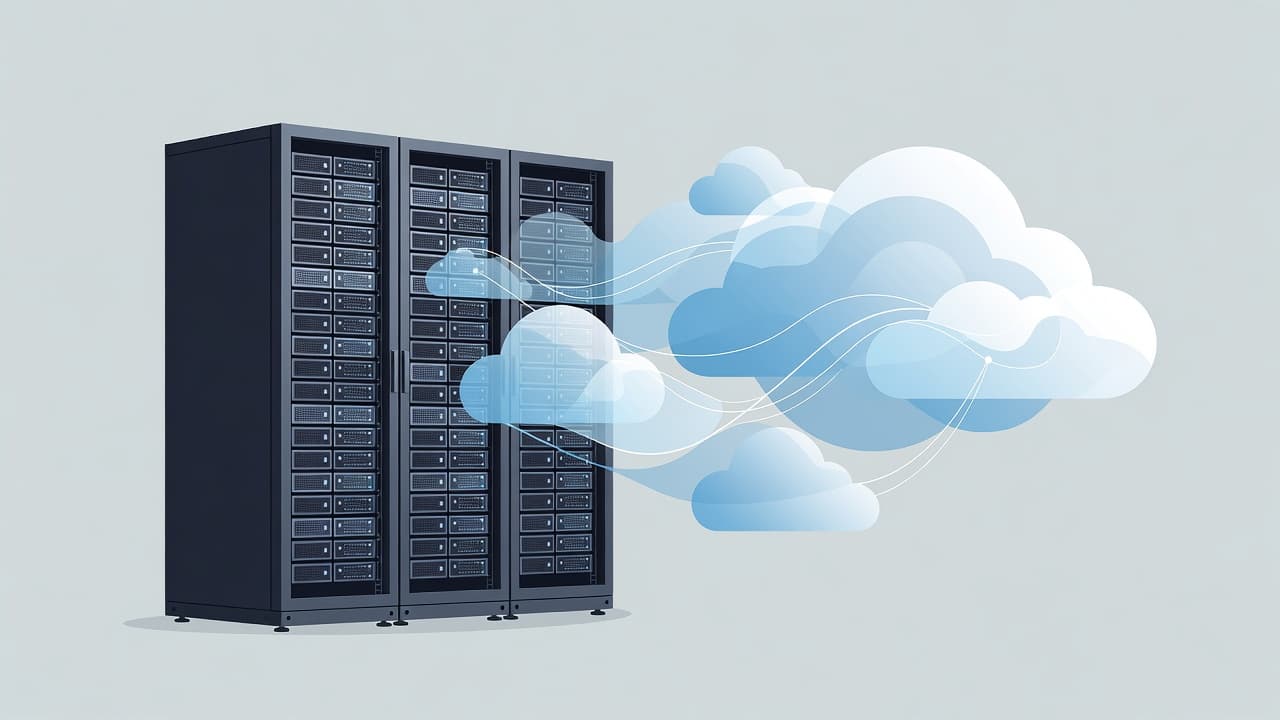
Some workloads still belong on-prem. A factory floor app with low-latency needs, a legacy database with specific customization options, or a system tied to specialist hardware may be better left local for now. In contrast, email, endpoint management, collaboration, backup copies, and disaster recovery often gain clear benefits from a cloud-based server or hybrid design.
This quick comparison helps frame the choice:
| Area | Staying on-prem fits when | Cloud or hybrid fits when |
|---|---|---|
| Core business app | It requires specific hardware or customization options | It runs on a cloud-based server or connects over secure links |
| Email and collaboration | You have a strong reason to keep mail local | You are already using Exchange Online, Teams, and SharePoint |
| Device management | Most devices stay on one site | Staff work remotely and need cloud-based server control |
| Recovery and scale | Downtime tolerance is high and capacity is stable | You need off-site redundancy, flexible capacity, or faster rollout |
The takeaway is simple. Keep local what has a real local reason. Move the rest when cloud tools reduce risk or admin effort.
Cost needs a balanced look too. On-premise infrastructure often requires a significant upfront capital investment, while cloud can be more expensive if you lift and shift messy workloads without redesign. You can see that tension in this discussion among AWS practitioners, where the cost of public cloud, predictability, and operations all shape the decision. Still, many businesses do not need a full migration to get value. A hybrid setup often removes the sharpest pain first, then leaves specialist systems on-site until replacement makes sense.
A practical checklist for your environment
Use a red, amber, green review across these points. If you mark three or more items red, your current setup deserves a serious redesign.
- Your team can patch servers, test backups, and apply security fixes with the reliability needed to avoid after-hours stress.
- A single hardware fault won’t take out identity, files, printing, and core apps at the same time.
- Your server room or data center meets current industry standards for cooling, power, and physical security.
- New users, devices, and offices can be added in days, not weeks.
- Remote staff receive a consistent experience without relying on a fragile VPN path or an unstable internet connection back to the office.
- You know the real monthly cost of the environment, including support time, renewals, downtime, power, and backup.
- Each workload has a clear reason to stay on-prem, rather than simply sticking to the way things have always been done.
After that, map workloads into three groups. Keep local systems that truly need local performance or hardware. Move low-risk services such as email, collaboration, and endpoint management first. Then review the hard-to-move applications with a proper business case to ensure true IT infrastructure optimization instead of defaulting to a no.
Frequently Asked Questions
How do I know if it is time to move away from an on-prem server?
If your team spends more time managing outages, patching, and backups than supporting actual business projects, your infrastructure is likely a bottleneck. When a single hardware fault threatens to halt your entire operation, it is a clear sign that the system is no longer providing the reliability your business requires.
Is a hybrid approach better than a full cloud migration?
For many businesses, a hybrid model is more practical than an all-or-nothing move. It allows you to keep specialized applications that require low latency on-site, while moving email, file storage, and device management to the cloud for better accessibility and security.
Does keeping my server on-prem always save money?
Not necessarily. While avoiding monthly cloud subscription fees can seem cheaper on paper, the total cost of ownership often rises due to hidden expenses like emergency support, overtime, hardware replacements, and the productivity loss caused by downtime. Factoring in these operational costs often reveals that legacy hardware is actually more expensive than modern alternatives.
What are the biggest security risks with older local servers?
Legacy systems often fall behind on critical security updates, making them easy targets for modern threats. When operating systems are no longer supported or patching becomes a complex, manual process, your risk profile increases significantly compared to cloud environments that feature automated security monitoring.
What the business should feel
A good server platform should fade into the background. Your staff should experience reliable access, faster onboarding, and fewer avoidable interruptions.
If your on-prem server demands constant attention, slows change, or weakens your security posture, it is not saving the business money. It is collecting interest in the form of time, risk, and missed opportunities. Whether you decide that modernizing your on-premise infrastructure is the right path or transitioning to a cloud-based server offers more agility, the goal remains the same: future-proofing your business. The clearest next step is to review each workload on its own merits and keep only what still earns its place, rather than letting an outdated on-prem server dictate your company potential.