Deleting a contract folder is one problem, but proving that the same folder existed five years ago is a different challenge entirely. In Microsoft 365, these needs often overlap, and that confusion frequently leads to weak recovery plans. Because of the Shared Responsibility Model, it is critical to remember that while Microsoft secures the infrastructure, protecting your data remains your responsibility.
If you rely on Exchange Online, SharePoint, OneDrive, or Teams, you need clear rules and reliable restore paths. A robust SaaS data protection strategy is essential for maintaining business continuity in the face of accidental deletion or security threats. While a comprehensive Microsoft 365 backup helps you recover your work quickly, retention policies are specifically designed to help you keep records for long-term business and legal compliance. Ultimately, the fundamental difference between these two approaches starts with their purpose.
Key Takeaways
- Retention vs. Backup: Retention policies manage data lifecycle and compliance, whereas dedicated backup solutions provide operational recovery to restore business continuity.
- Shared Responsibility: While Microsoft manages the platform infrastructure, the responsibility for protecting and restoring your organizational data remains with the customer.
- Operational Necessity: Retention tools are not designed for fast, granular data restoration, making them ineffective for quick fixes like restoring an accidentally deleted file or mailbox folder.
- Ransomware Resilience: Dedicated backup platforms offer superior protection against security threats by keeping immutable, isolated copies of data outside of the primary production environment.
Retention and backup answer different questions
Retention policies in Microsoft 365, usually managed through the Microsoft Purview admin center, tell the service how long to keep content and when to delete it. They are built for governance, records management, eDiscovery, and legal hold. In other words, retention is about preserving content according to policy, rather than creating a separate historical copy for recovery.
Backup has a different job. A dedicated backup platform captures restorable copies at set points in time, or through frequent snapshots, to ensure you can perform a point-in-time restore when needed. This is essential when a user empties a folder, a sync client corrupts files, or an admin needs to restore last Tuesday’s mailbox state rather than a preserved record for a legal case.
This is why retention does not replace backup. While retention can keep data in place or in a recoverable form inside Microsoft 365, it may not provide a fast, user-friendly restore path for day-to-day operations. Microsoft 365 backup now adds native recovery options, yet it still fills a different role than Purview retention. As of June 2026, its focus is on operational recovery, so it is smart to check current workload coverage and retention limits before you base your strategy on it.
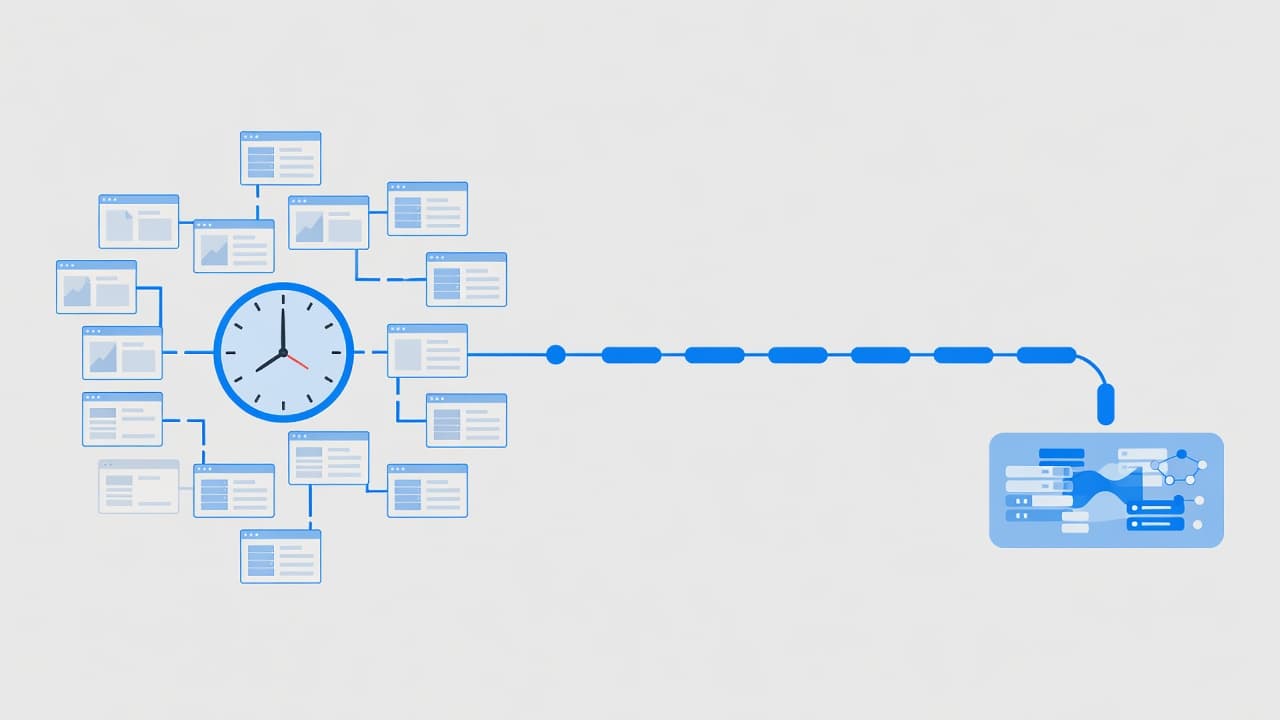
Many admins first notice the gap when a compliance rule successfully preserved the data, but the service desk still cannot hand the exact item back to the user. That is a retention win, yet it may still feel like a recovery failure.
A practical comparison for restore, compliance, and risk
The differences stand out when you compare the two side by side.
| Area | Retention policies | Backup approach |
|---|---|---|
| Purpose | Keeps or deletes content by policy | Restores data after loss, corruption, or error |
| Restore granularity | Often indirect or admin-heavy | Usually item, folder, site, or mailbox level |
| Recovery speed | Good for preserving data, not always fast for user restores | Built for quicker operational recovery |
| Ransomware resilience | Stays inside the same tenant and may preserve damaged content | Stronger ransomware recovery with immutable storage |
| Accidental deletion recovery | Helpful with recycle bins and hold settings, within limits | Better for precise point-in-time recovery |
| Legal and compliance use | Strong, especially with Purview retention and holds | Useful for recovery, but not a records policy |
| Long-term data protection | Can keep records for years if designed well | Depends on the tool, often better for long restore history |
The short version is simple. Retention helps you keep data according to rules. Backup helps you get working data back quickly. A useful comparison of retention policies and backups makes the same point from another angle.
Recovery speed is where many plans succeed or stall. If the finance team loses a shared mailbox folder an hour before payroll, legal preservation alone won’t help. The admin needs a restore path that is predictable, fast, and provides granular recovery, which is the ability to restore specific items rather than entire sites or libraries. That is why retention settings, recycle bins, and version history are useful recovery aids, not the full recovery design.
Where teams get stuck is assuming every product looks the same. When choosing a Microsoft 365 backup solution, you should evaluate your Recovery Point Objective and Recovery Time Objective to ensure your data is available when needed. Microsoft’s native backup improves restore speed inside the platform, but a separate backup solution often adds longer history, broader export options, and an isolated copy outside the tenant. That last point matters most for ransomware resilience and tenant-wide mistakes.
What this looks like in Exchange, SharePoint, OneDrive, and Teams
Retention behaves differently across workloads, so examples matter more than slogans.
In Exchange Online mailboxes, retention policies and litigation hold are strong for preserving mail. They are useful when HR or legal must keep messages, even after a user tries to delete them. However, a preserved message is not always easy to return to a user’s mailbox in the exact folder and time context they expect. A backup product usually gives you item-level restore, mailbox restore, or export options that help the service desk close the ticket faster.
For SharePoint sites and OneDrive accounts, the line gets sharper. Version history, recycle bins, and retention rules all help. Still, if a synced folder is encrypted, renamed, or mass-deleted, you may want to restore a library, a site, or a file tree from clean restore points. Retention may keep the damaged content around, but it does not always give you the clean rollback you want as part of your broader SaaS data protection strategy.
Retention can preserve evidence for a legal case, yet that does not mean your helpdesk can restore a user’s missing folder in minutes.
OneDrive also raises offboarding issues. Many teams still use the old Office365 name in runbooks, but the same recovery gap remains in modern Microsoft 365. Once staff leave, their files still need a clear owner, retention plan, and restore option. Microsoft’s rules around user and OneDrive lifecycle can change, so it helps to track recent OneDrive retention changes when you review offboarding.
Teams is even more layered. Chat messages live in service-backed stores, channel files live in SharePoint, private chat files often land in OneDrive, and meeting content can spread across several locations. Because of that, Microsoft Teams backup coverage differs by vendor and by workload. Before you buy anything, confirm what the product covers, how restores work, and whether the tool handles chat, files, permissions, lists, and metadata, or only part of the stack.
When native retention is enough, and when backup is worth it
Some organisations do not need a comprehensive backup platform on day one. If your primary goal is regulatory retention, eDiscovery, or legal hold, Microsoft’s native retention controls may cover the need. That is often true when restore requests are rare, recovery time objectives are not tight, and admins are comfortable using recycle bins, version history, litigation hold, and Purview tools.
Microsoft’s native options can be a good middle ground for organisations that want recovery services managed directly inside the Microsoft stack. It may suit firms that do not require an isolated copy outside the production tenant or very long restore history, especially since these services often feature pay-as-you-go billing. On the other hand, if board policy requires stronger separation from the live environment, including air-gapped backups for enhanced security, a separate third-party platform still has a distinct edge.

The case changes when business operations depend on fast, reliable restores. A separate Microsoft 365 backup solution becomes easier to justify if you need point-in-time recovery, item-level restore at scale, or clean rollback options after ransomware or admin error. This is particularly important for protecting critical assets, such as Exchange Online mailboxes, SharePoint sites, and OneDrive accounts, especially when managing user lifecycles through Entra ID. Because business continuity relies on more than just service uptime, many firms treat dedicated backup as a vital, separate control.
This choice also sits alongside other infrastructure decisions. Teams that manage endpoints in Intune and cloud workloads in Azure already know that recovery planning spans more than one admin portal. User data, collaboration files, and endpoint states each require specific restore methods. If you want a plain-language case for that split, this explanation of why retention isn’t the same as backup covers the operational gap well. Ultimately, integrating a dedicated Microsoft 365 backup strategy is a foundational step toward improving your organisation’s overall cyber resilience. Just remember to test your restores every quarter, because a recovery plan only counts when it actually works.
Frequently Asked Questions
Can I rely on Microsoft 365 retention policies instead of a backup solution?
Retention policies are built for governance and legal compliance, not for quick data recovery. While they can prevent data from being permanently deleted, they do not provide the efficient, user-friendly restore paths required to keep your business running smoothly during an outage or human error.
Why is a separate backup platform necessary if I already have native recovery features?
Native features like recycle bins and version history have limited lifespans and granular recovery constraints. A dedicated backup solution allows for point-in-time restores, broader search capabilities, and the ability to keep data outside the tenant, which is critical for protection against ransomware and long-term data loss.
Does Microsoft 365 backup cover all my applications equally?
Not necessarily, as backup coverage varies significantly across workloads like Teams, SharePoint, OneDrive, and Exchange. It is essential to verify which items—such as chat metadata, permissions, and file versions—are actually included in your chosen solution before a data loss event occurs.
How often should I test my recovery plan?
Because your environment and data needs change frequently, you should perform recovery tests at least every quarter. A recovery plan is only as good as its last successful test, ensuring that your team can meet its recovery time objectives when an actual emergency arises.
Final thoughts
The biggest mistake is not choosing the wrong tool, but assuming that Microsoft 365 backup and retention policies perform the same function. In the Microsoft 365 environment, retention policies are designed to manage data lifecycle and compliance, while a dedicated Microsoft 365 backup solution provides the necessary safety net for restoring usable data when business operations are interrupted.
If your primary objective is meeting legal hold requirements, audit support, and controlled deletion, native retention policies may be sufficient for your organization. However, if your goal is rapid recovery across Exchange Online mailboxes, SharePoint sites, OneDrive accounts, and Microsoft Teams backup data, a dedicated third party backup layer is almost always the better fit. Product capabilities and service limits change over time, so the right strategy is one you regularly review, test, and match to the specific needs of the business you have today.