A single missed alert can quickly escalate into a weekend of damage control. For a small company, that often leads to lost time, client stress, and mounting data breach costs that can threaten the future of the firm.
That is why Microsoft Sentinel for small business environments is receiving increased attention from growing organizations. It promises a unified hub to monitor security events across email, identities, devices, and cloud systems. The real question is whether it fits your budget, your internal team, and your existing infrastructure as part of a comprehensive cybersecurity strategy.
Key Takeaways
- Microsoft Ecosystem Synergy: Sentinel provides the most value for businesses already operating within the Microsoft cloud stack, offering seamless integration with Azure, Microsoft 365, and Intune for comprehensive threat visibility.
- Visibility vs. Overhead: While the platform acts as a unified “control room” to centralize security data, it is not a set-it-and-forget-it tool and requires dedicated resources to tune rules and manage alerts.
- Cost Management: Because pricing is tied to data ingestion volume, small businesses must adopt a strategic approach to data collection and log retention to keep expenses predictable.
- The Value of Managed Support: Due to the technical complexity of configuration and the need for 24/7 monitoring, many small firms benefit from pairing Sentinel with a managed security provider (MSP or MDR) rather than attempting to operate it entirely in-house.
What Microsoft Sentinel does, in plain English
Microsoft Sentinel is a cloud-native SIEM platform designed to protect modern businesses. It collects signals from different systems, applies advanced threat detection to identify suspicious patterns, and helps your team investigate and respond to security events.
For a small business, that capability matters because threats rarely stay in one place. A phishing attack detection scenario might start in Exchange Online, move through a user account, and end on a laptop managed by Intune. Sentinel acts as a bridge to connect those dots across your infrastructure.
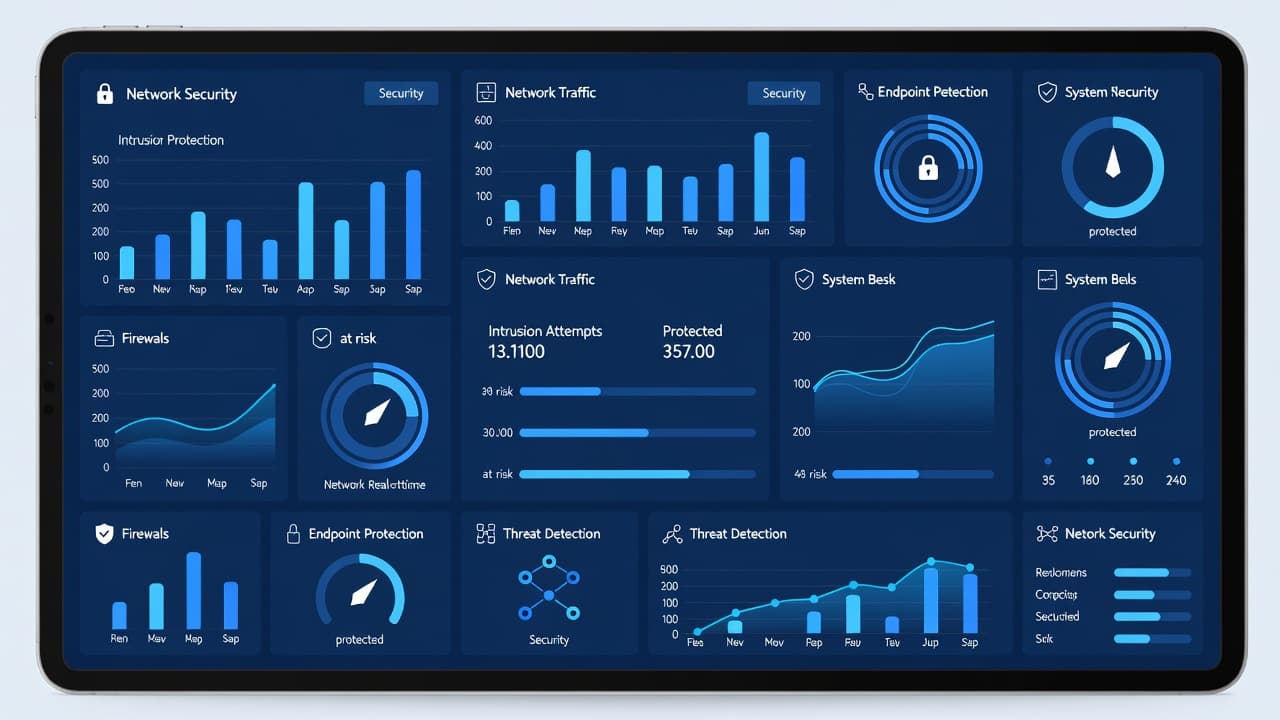
As a security information and event management tool, Sentinel gathers logs and alerts into one place so you can spot trouble faster. It also includes security orchestration and automated response features, which means it can handle manual remediation steps without requiring human intervention.
That automation is a major advantage when you do not have a full-time security team. For example, Sentinel can flag repeated failed sign-ins, combine related alerts, and trigger an automated response workflow.
A few terms show up early when you start using it. Data connectors are the links that pull data into Sentinel. Analytics rules decide what patterns should raise an alert. Artificial intelligence then helps group those related alerts into incidents, which helps your team avoid chasing the same problem five different ways. Playbooks are automated actions, such as sending a notification or starting a containment step.
Sentinel is not antivirus, and it is not a firewall. It is the control room that helps you see what is happening across tools you already use. If you want a broader explanation of how those pieces work together, CloudGuard’s Sentinel guide gives a useful overview.
For small firms, the strongest appeal is visibility. Instead of jumping between email logs, Azure sign-in records, endpoint alerts, and admin portals, you can perform incident investigation from one place. That saves time, but only if the system is set up well.
Where Sentinel fits best in a Microsoft-heavy environment
Sentinel usually makes the most sense when your business already runs on Microsoft cloud services. The tighter your Microsoft stack, the more value you tend to get.
That is because the platform works naturally with Azure, Microsoft 365 Defender, Azure Active Directory, and Intune. A suspicious mailbox rule in Exchange Online, a risky sign-in in Azure, and a device issue from Intune can appear in the same investigation path within the Microsoft Defender portal. That kind of context is hard to get from disconnected tools.
If your team still says Office 365, the same point applies. Sentinel is more useful when your email, files, identities, and devices already live in the Microsoft ecosystem.
This quick comparison helps frame the decision:
| Strong fit for Sentinel | Weaker fit for Sentinel |
|---|---|
| Most users are on Microsoft 365 | You use many non-Microsoft security tools |
| Identity lives in Azure or Entra-based services | You only need basic alerting |
| Devices are managed with Intune | Log volume is tiny and budgets are fixed |
| Mail runs through Exchange Online | No one can review alerts regularly |
| You need audit trails for compliance | You want a low-touch tool with little tuning |
The takeaway is simple. Sentinel shines when Microsoft data sources already tell most of your security story.
That also helps with compliance visibility. A small business in healthcare, legal, finance, or construction often needs clearer audit records. Sentinel provides real-time monitoring by pulling together the Azure Activity log, sign-in events, mailbox activity, endpoint posture, and cloud admin changes. EDCi’s overview of Sentinel’s cybersecurity benefits explains why that broad visibility matters during investigations.
On the other hand, if your environment is mostly Google, AWS, or a mix of niche tools, Sentinel may still work, but the setup gets less clean. You may spend more time on connectors, data mapping, and alert tuning. In that case, another platform or a managed service wrapper may be the better choice.
Cost control and setup work in 2026
Cost is where many small businesses pause, and for good reason. Sentinel stores all your security information within a Log Analytics Workspace, and your monthly bill is determined by your data ingestion volume, plus retention costs and specific add-on choices. That means expenses can climb quickly if you ingest every possible log without a strategic plan.
As of 2026, Microsoft has prioritized more predictable billing. There is now a 50 GB commitment tier specifically designed for smaller and mid-sized organizations, and choosing commitment tiers can provide significant savings compared to standard pay-as-you-go pricing. Even with these options, Sentinel is usually not the cheapest security solution for a small business with basic, low-level needs.

For most small businesses, Sentinel is a smart investment in ransomware protection and overall risk management, provided that your specific compliance or after-hours monitoring needs exceed the capacity of your internal IT team.
To keep costs under control, you must prioritize sending only the logs that support actionable security decisions. High-value sources often include Azure sign-ins, Microsoft 365 audit data, Defender alerts, Exchange Online activity, and critical endpoint signals. Next, carefully configure your retention rules, as not every data source requires the same long-term storage period. Finally, tune your analytics rules early to prevent the platform from filling with operational noise.
The setup process requires significant technical effort. You must configure data connectors correctly, validate permissions, refine alert thresholds, and establish a clear incident response workflow. Small teams often underestimate this workload; while Sentinel is easy to purchase, it requires intentional planning to operate effectively.
There is also the human element to consider. If no one monitors alerts during off-hours, the platform will simply remain silent while a threat persists. The Medit Advisors summary of intelligent security analytics highlights the importance of central monitoring, but remember that the tool only provides value when a dedicated team is responsible for the final security outcome.
A sensible pilot program should always start small. Connect your primary Microsoft services, observe the alert volume for several weeks, and adjust your data collection accordingly. Once you have a clear picture of your environment, you can better decide whether broader coverage is truly worth the spend for your business.
Should a small business run Sentinel alone or use managed SOC support?
Most small businesses do not have a dedicated security analyst on staff. Instead, they rely on an IT manager, an MSP, or a capable admin who already wears too many hats. That reality significantly changes the decision to adopt a security operations platform like Microsoft Sentinel.
If you plan to run it in-house, be realistic. Someone must tune rules, investigate security incidents, close false alarms, and update playbooks. Without that consistent maintenance, alert fatigue shows up quickly, potentially causing your team to miss genuine threats.
This is why many SMBs pair Sentinel with managed security services or an MDR provider. These partners monitor alerts, improve detection accuracy, and leverage playbooks and automation to handle triage and response. For lean teams, this professional oversight turns Sentinel from an overwhelming tool into a manageable, highly effective solution.
A managed option does not automatically provide value, however. Some providers only forward alerts, while others offer true response support, after-hours coverage, and regular reporting. Ask direct questions before you sign:
- Who reviews security incidents, and is that coverage available 24/7?
- Which Microsoft data sources are included on day one?
- How often do they tune analytics rules and update playbooks and automation?
- What happens when they confirm a real threat?
Those answers matter more than a feature list. You want clear ownership, defined escalation paths, and reporting that is easy for a business owner to understand.
There is also a middle path. Some small businesses use Sentinel in a co-managed model. Their internal IT lead maintains control over policy and approvals, while an outside security team handles monitoring and tuning. This approach is effective when you already depend on Microsoft services and want to achieve enterprise-grade security without building an internal SOC from scratch.
For Microsoft-heavy organisations, this is often the most practical model. The platform pulls together activity from Azure, Intune, Exchange Online, and the rest of your M365 estate. A managed partner then helps turn that raw data into meaningful action, ensuring your team has the protection they need to scale safely.
Frequently Asked Questions
Is Microsoft Sentinel a replacement for my antivirus software?
No, Microsoft Sentinel is a SIEM (Security Information and Event Management) platform, not an endpoint protection tool. It functions as a central hub that gathers alerts and logs from your antivirus, firewall, and other security tools to help you identify and respond to complex threats.
How can a small business keep Sentinel costs from spiraling?
Costs are primarily driven by data volume, so you should only ingest logs that provide actionable security value. Utilizing Microsoft’s commitment tiers and strictly configuring retention policies for specific data sources can prevent unnecessary charges.
Do I need a full-time security team to use Sentinel?
While you do not necessarily need a full-time in-house security analyst, you do need someone responsible for investigating incidents and tuning the system to prevent alert fatigue. Many small businesses choose to offload this responsibility to a managed service provider that offers 24/7 monitoring and response expertise.
Is Sentinel suitable for environments that use AWS or Google Cloud?
Sentinel can integrate with non-Microsoft platforms, but it requires more complex setup, custom data connectors, and ongoing maintenance to be effective. It is significantly easier to deploy and manage when your infrastructure is primarily built on Microsoft services.
Conclusion
Adopting Microsoft Sentinel for small business operations makes sense when your digital environment already leans heavily on the Microsoft ecosystem and your security needs have outgrown basic alerting. The platform is strongest where identity, email, devices, and cloud workloads are integrated through Azure, Intune, Exchange Online, and Microsoft 365, as this native connectivity provides superior threat intelligence and consistent real-time monitoring across your entire infrastructure.
The trade-off is clear. Sentinel can significantly improve your visibility and response capabilities, but it also requires ongoing tuning, clear ownership, and strict cost discipline. If your internal team is limited, the best results usually come from a combination of a tightly configured Microsoft environment and a managed security partner. This approach ensures that complex security incidents are professionally addressed, allowing your staff to focus on business growth while your systems remain protected.